
1. Install Lite
Activete Birlo Bridge Lite in WordPress and open Tools → Birlo Bridge.
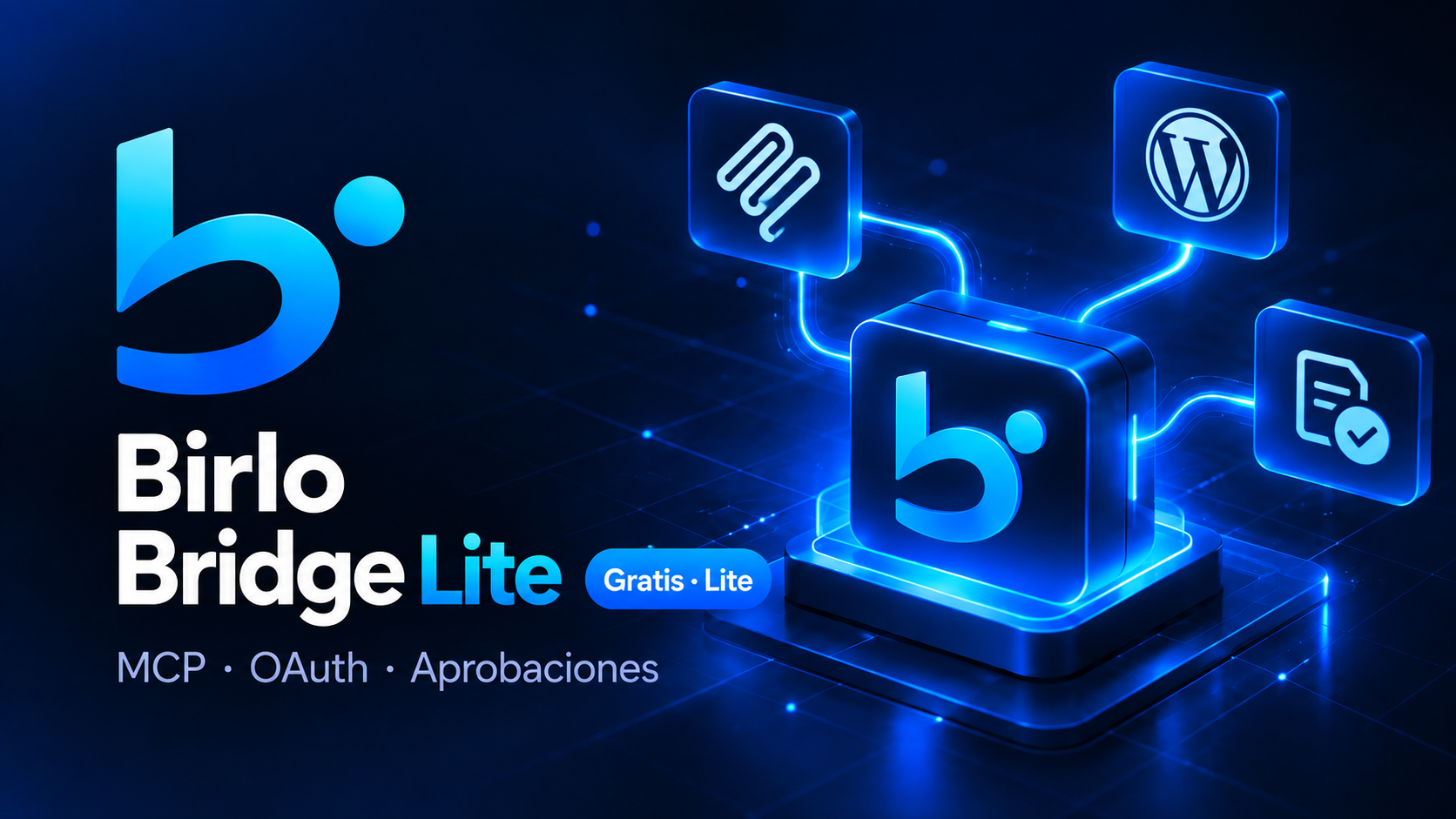
Connect WordPress to MCP-compatible assistants through OAuth, explicit tools, scoped permissions, approvals and audit logs.
Birlo Bridge is designed for developers, agencies and site operators who want AI-assisted WordPress administration without handing an assistant unrestricted server or wp-admin access.
Birlo Bridge Lite provides the self-hosted MCP connection and secure tools for content, media, menus, appearance and site identity. Pro, Commerce and Agency extend those capabilities. Birlo Bridge Cloud adds a multi-site OAuth layer for connecting remote WordPress sites without exposing credentials.
Self-hosted MCP server for WordPress with OAuth PKCE, approvals, auditing and tools for pages, posts, media, menus, templates, widgets, revisions and safe settings.
Free
Advanced WordPress administration: plugins, allowed plugin/theme files, backups, rollback, advanced REST and integrations.
€99–€249/year
WooCommerce tools for catalog, variations, prices, stock, categories, orders, notes and status changes with scopes and approvals.
€129–€299/year
Multisite management for agencies: site and client inventory, monitoring, incidents, recoveries, policies and an aggregated dashboard.
€599–€1,199/year
Activete Birlo Bridge Lite in WordPress and open Tools → Birlo Bridge.
Use the site's MCP endpoint and authorize the connection through OAuth with PKCE S256.
Each tool declares read or write permissions. Sensitive operations can require secondary approval in WordPress.
Install Pro, Commerce or Agency when you need advanced administration, WooCommerce or multisite management. Cloud connects remote WordPress sites through OAuth from a central layer.
Birlo Bridge helps agencies standardize recurring site checks, content changes, plugin operations and WooCommerce tasks while keeping sensitive actions behind approvals. Agency adds site inventory, monitoring and recovery workflows for multi-site operations.
Commerce adds controlled tools for catalogue, variations, stock and orders. This lets MCP-compatible assistants work with WooCommerce through explicit operations instead of generic database or server access.
MCP exposes a clear catalogue of tools with defined inputs and permissions. That makes the connection easier to audit and easier to limit than giving an assistant broad administrator credentials or unrestricted API access.
No. It exposes explicit tools with defined scopes instead of arbitrary server access.
Yes. Selected write operations can be held until an administrator approves them inside WordPress.
Yes. Commerce adds controlled tools for catalogue, stock, variations, orders and other WooCommerce operations.
The core connection runs inside your own WordPress installation. Cloud is optional for remote multi-site connectivity.